












AI document recognitionManual order entry is over
Order files read, matched and sent to your ERP.
Read, match and sync, automatically
B2Bware reads the order data from any file, with no retyping and no second check.
- Every formatWorks with PDFs, Excel sheets and emails.
- Recognises the dataFinds product codes, quantities, prices and customer details.
- Straight into your systemsSends the data straight to your ERP or portal.
Spend time fulfilling orders, not typing them in
Customers keep sending orders the way they do now. Each one is read, checked and posted to your ERP as a finished sales order.
Email from Hargreaves
Hi, please send:
4 x boxes HB-M8-30SS
2 x boxes NYL-M8
12 x CA-380-PE
Thanks, Dave
Order lines
AccountHargreaves Building Supplies
HB-M8-30SS4 boxes of 100
NYL-M82 boxes of 200
CA-380-PE12 tubes





The problem it solves
Admin bottlenecks slow orders down. Without document recognition:
With B2Bware, emailed, PDF and Excel orders are read, checked against your ERP and posted as finished sales orders. See how it works →
- Teams spend hours copying data from purchase orders
- Typos cause price errors and wrong product codes
- Large orders take days to process instead of minutes
How it works
Order capture built for trade.
- Upload or forward order files
- Product, quantity, price and account data are read
- Everything is checked against your ERP
- Orders are created straight away, ready to process
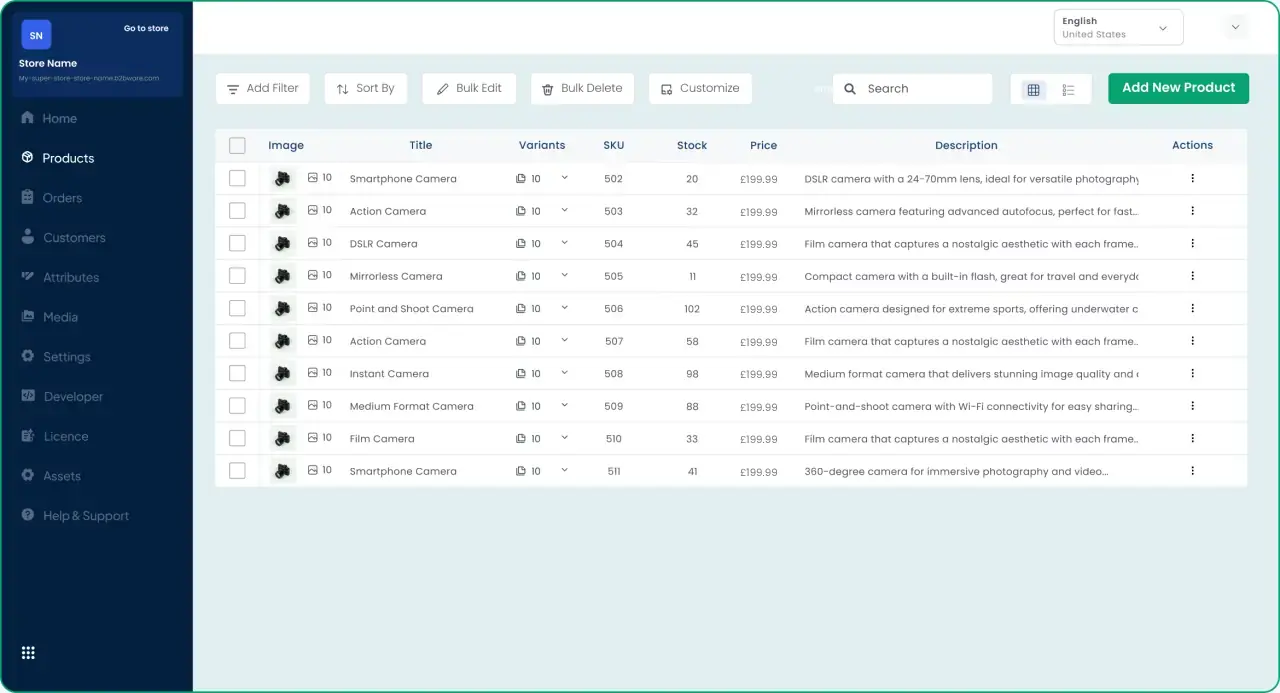 Tiered pricing & contract cataloguesUnified product data across all sitesLive order & stock sync
What makes it different?
Not just text recognition: built for trade orders.
Flexible recognition
Reads neat forms and messy ones.
Learns your formats
Learns each customer’s format over time.
Large orders
Handles orders over many pages, with many lines.
Part of the automation
Works with the rest of your order automation.
What it looks like in practice
Manual data entry goes, and orders move faster:
- 1.PDF order arrivesA customer emails a PDF purchase order.
- 2.Data readEvery line, quantity and agreed price is read.
- 3.Checked for youEverything is checked against your ERP records.
- 4.No typingThe order is created and queued for fulfilment, with nobody keying it in.
Book a free consultation
Tell us what's not working: orders retyped from emails, the same reorders by phone, or a webshop that doesn't match your ERP. We'll come back with a plan and a fixed price. You keep the plan either way.
FAQ
How does B2Bware connect to our ERP or PIM?
B2Bware connects directly to your ERP and PIM, with 400+ integrations ready to use. Products, prices, stock and orders sync with your ERP, whichever you run, without changing how your team works. If there is no connector for your system yet, we build it. B2Bware is made by SyncSpider, which has run integrations for 10 years.
Can we run several brands or regional sites?
Yes. Several brands or companies can run from one setup, each with its own prices, stock and orders.
How long does it take to set up?
It depends on what you need, but most set-ups are live in weeks, not months. We plan the switch so your team keeps working as normal.
Do we need our own developers?
No. We build it, link it to your ERP and run it, so you do not need technical skills. If you do have developers, there is a REST API with documentation for extra work.
Can B2Bware replace our ERP?
No, and it should not. B2Bware sits in front of your ERP as the place your customers order. Your ERP stays the source of truth.